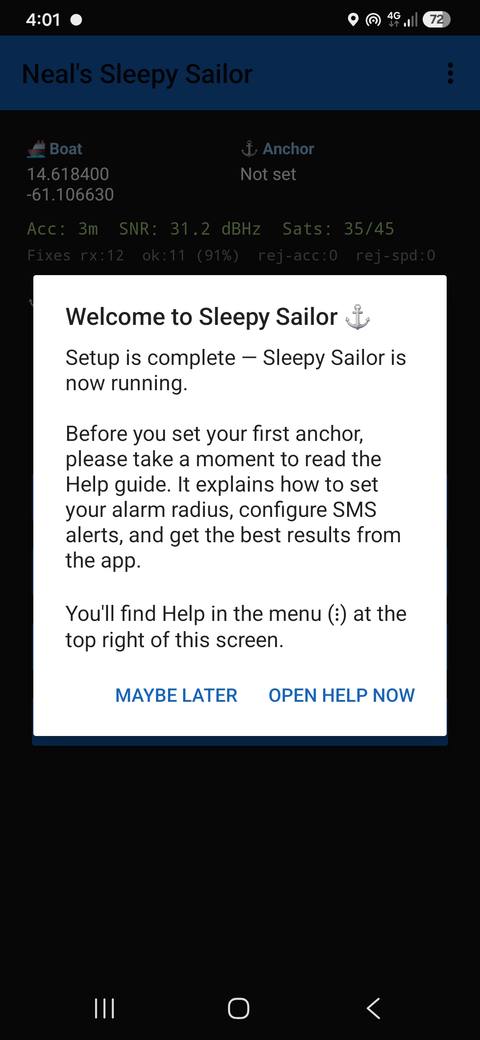
Anchor watch, active
Anchor down.
Eyes open.
You, asleep.
Sleepy Sailor watches your position all night and wakes you the moment your boat drags — so you can actually sleep at anchor.
Sleepy Sailor watches your position all night and wakes you the moment your boat drags — so you can actually sleep at anchor.
Most anchoring goes fine — until a squall rolls through at night, the tide turns, or the anchor never quite set. By the time you feel the boat moving, you may already be swinging into another boat, a rock, or the shore.
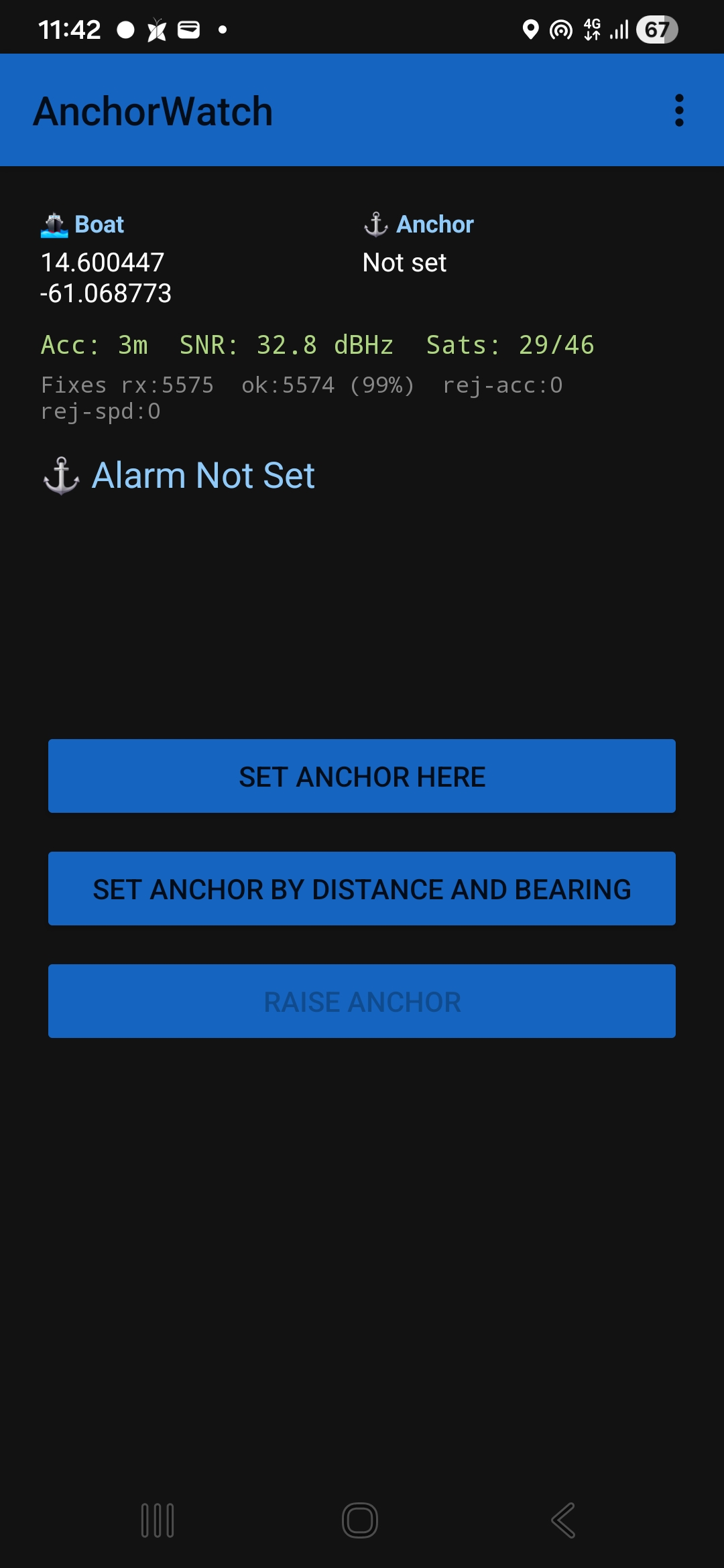
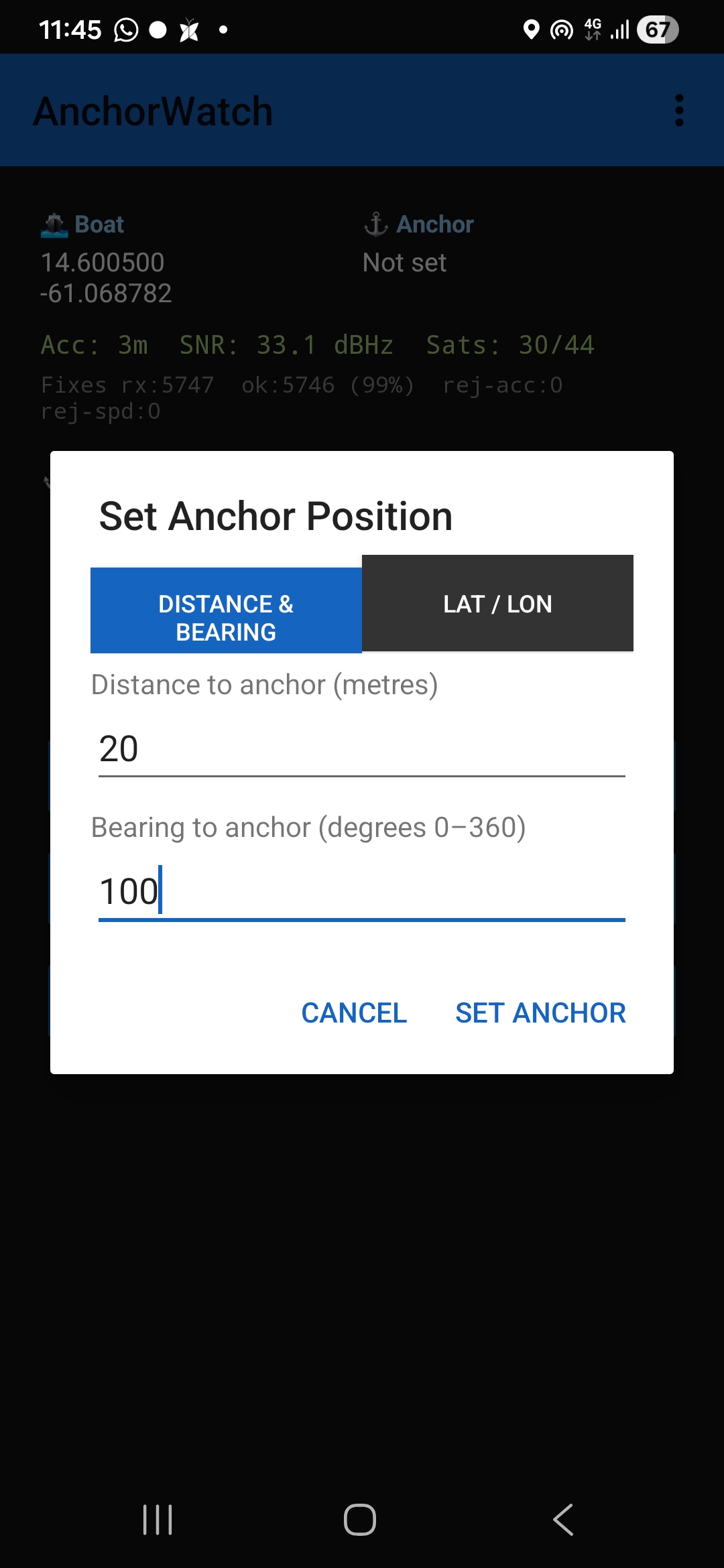
Sleepy Sailor doesn't sleep. Set your anchor position — right where you dropped it, or by distance and bearing, or by lat/long — and it stands watch until you tell it to stand down.
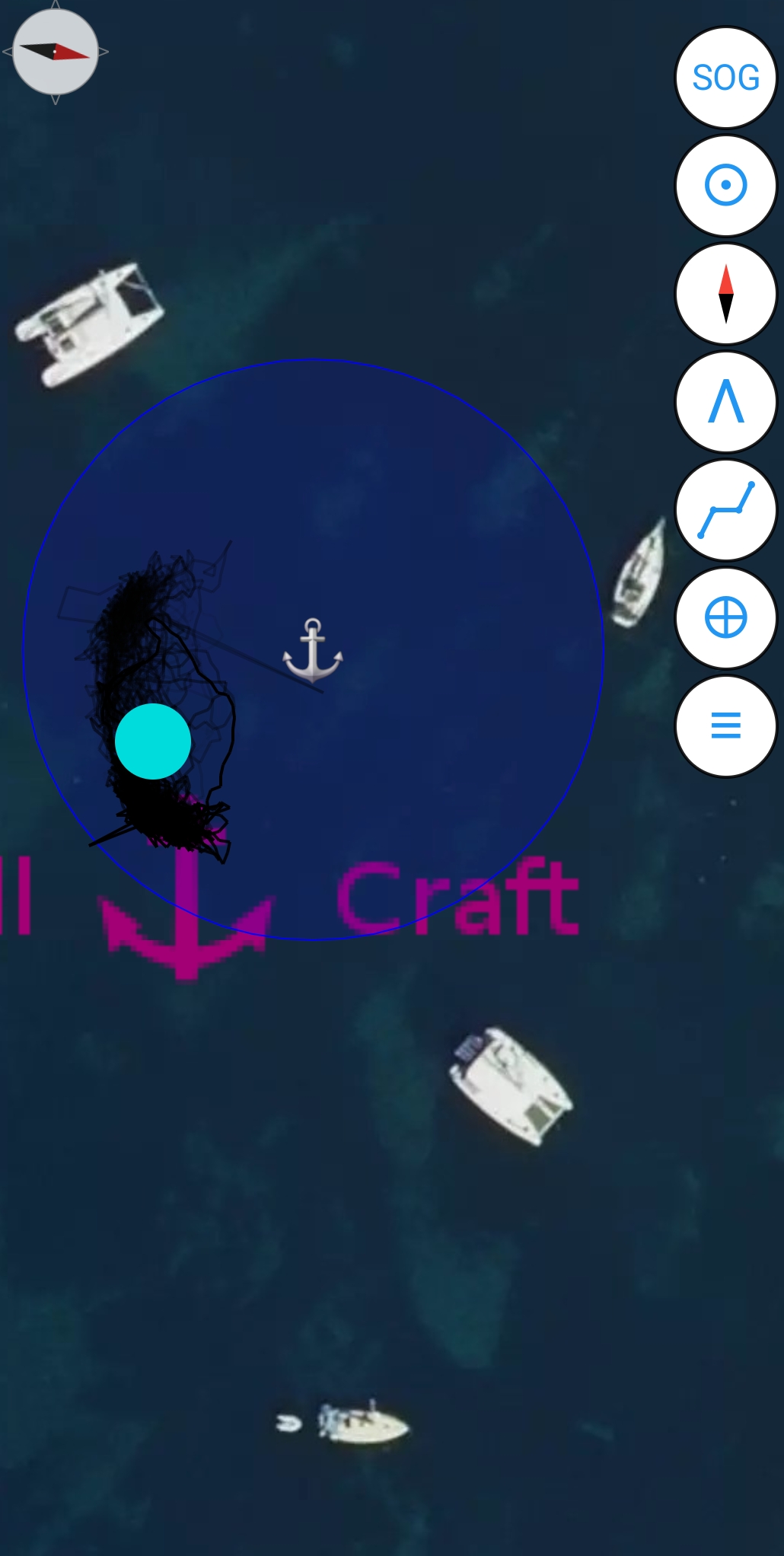
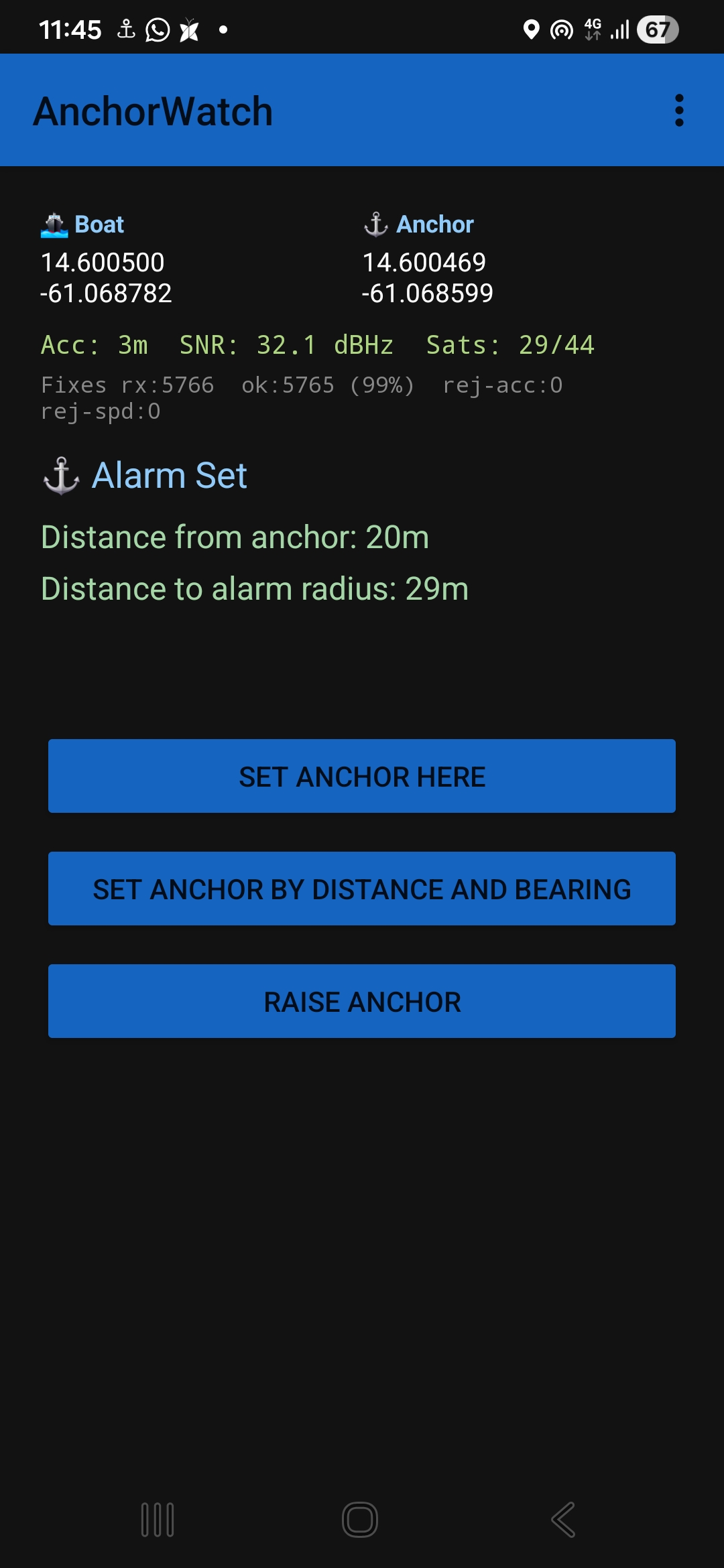
Continuously compares your boat's position to the anchor and watch radius you set. Cross that radius and a loud alarm sounds — if you're onshore, you're sent an SMS alarm message followed by a hard-to-ignore phone call from your boat.
While you're following a route, warns you if you stray off track beyond a cross-track-error limit you choose.
Alerts you as you approach a waypoint, with a lead time you set, so an upcoming turn never sneaks past you.
Warns you if the GPS signal drops out — no position fix means the anchor watch can't confirm you're still safe. If you're onshore, this escalates to SMS and a phone call too.
Warns you while there's still time to act, since a dead phone means no more watching at all. Also escalates to SMS and a phone call if you're onshore.
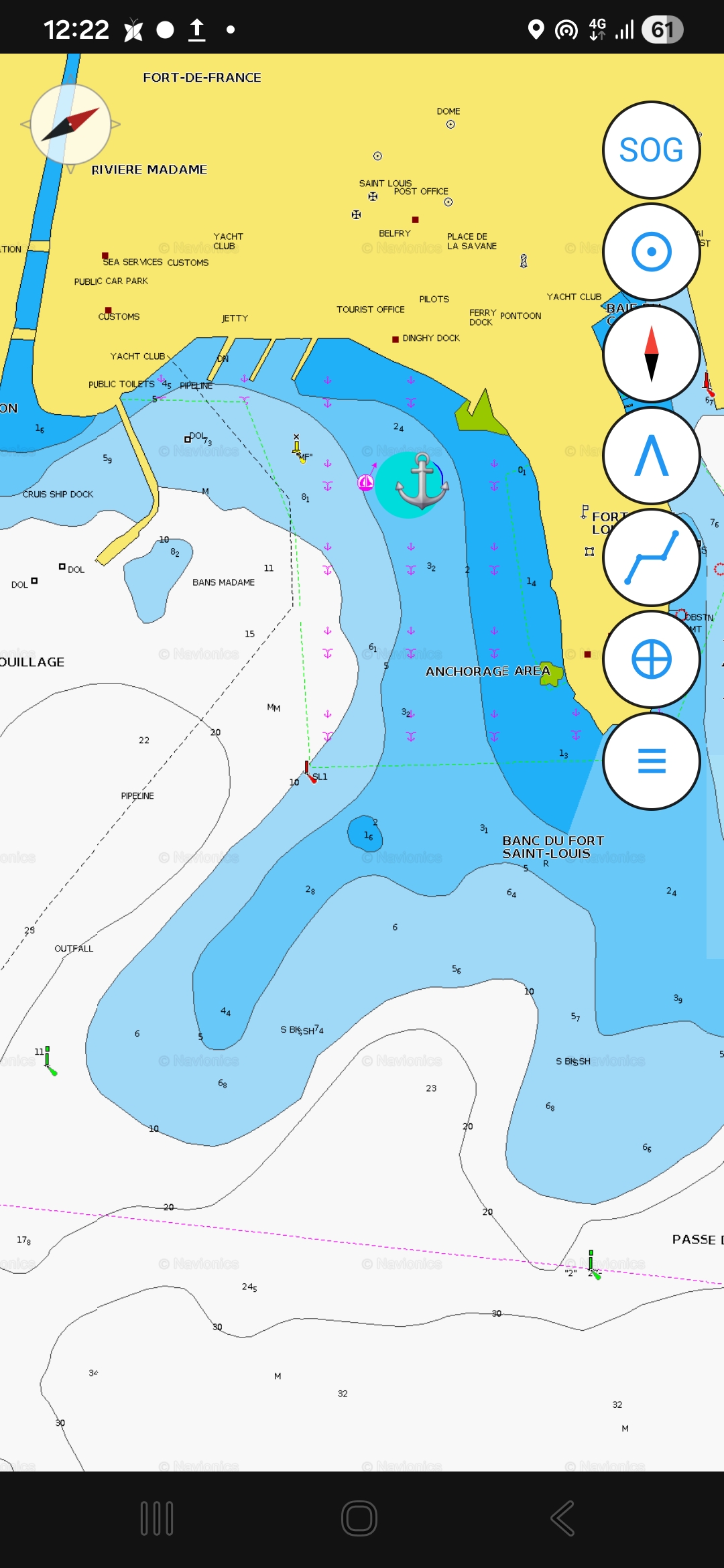
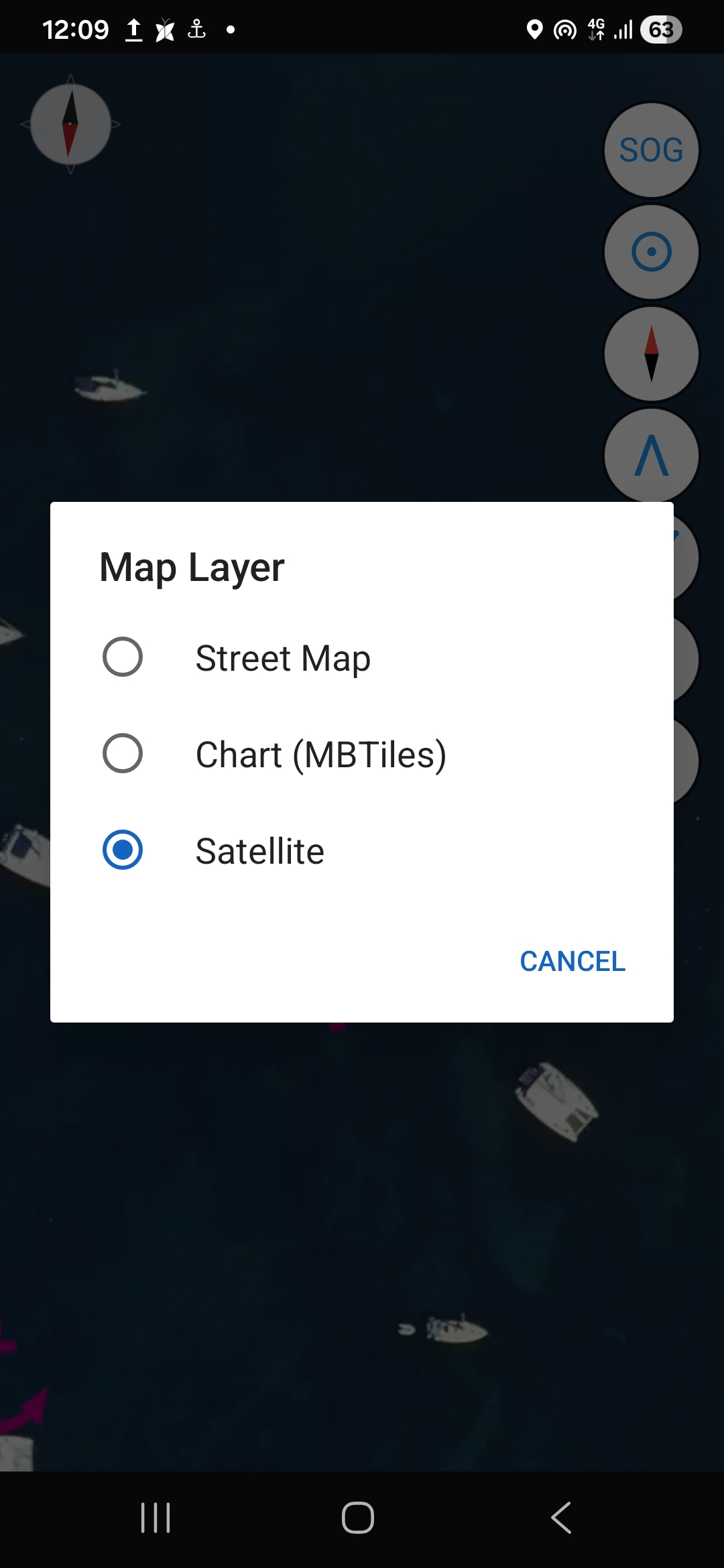
Download charts and satellite imagery once, and they stay stored on your device — pan and zoom around your anchorage with no signal and no data connection.
Live SOG and COG readouts help you hold your line and confirm you're making the progress you expect while underway.
See your estimated arrival time for the next waypoint and for your final destination, calculated from the distance to go along your route and your current VMG — not just raw speed — so the estimate reflects the progress you're actually making toward the target.
Set the hook as usual. Open Sleepy Sailor and mark your position — that's your center point for the night.
Choose a drag radius that fits your scope and swing room, then arm the alarm. The app runs quietly in the background.
If the boat drifts past your radius, the alarm sounds immediately — loud enough to wake you, with your position on screen.
Sleepy Sailor is currently being tested by a small group of beta sailors. Public Demo and Pro downloads aren't open yet — check back once the beta program wraps up. Pro will add SMS & call alarms, so you'll know if your boat is dragging even when you're onshore.
Everything you need to try Sleepy Sailor at anchor — no time limit.
Everything in Demo, plus SMS and call alerts for when you're off the boat.
One-time purchase, no subscription, licensed for one device. Pro purchases will be handled securely through Paddle once downloads open.
Beta tester? Enter your code to download Demo, Pro, or both — free.